
Bloomerang
When you connect your Bloomerang account with your Kind Kiosk account, donation information flows seamlessly - no need for any manual export and import work!
How does the integration work?
When a donation is made on your Kiosk, the transaction details are automatically sent to Bloomerang via their API. The integration matches donors by email address and creates or updates constituent records with the donation information.
The donation amount, designation/fund, campaign information, transaction date, and any custom questions you collect as part of the contact flow will be synced.
How do I connect Kind Kiosk to Bloomerang?
Our Premium Integrations, like Bloomerang, are available on the Growth and Enterprise plans.
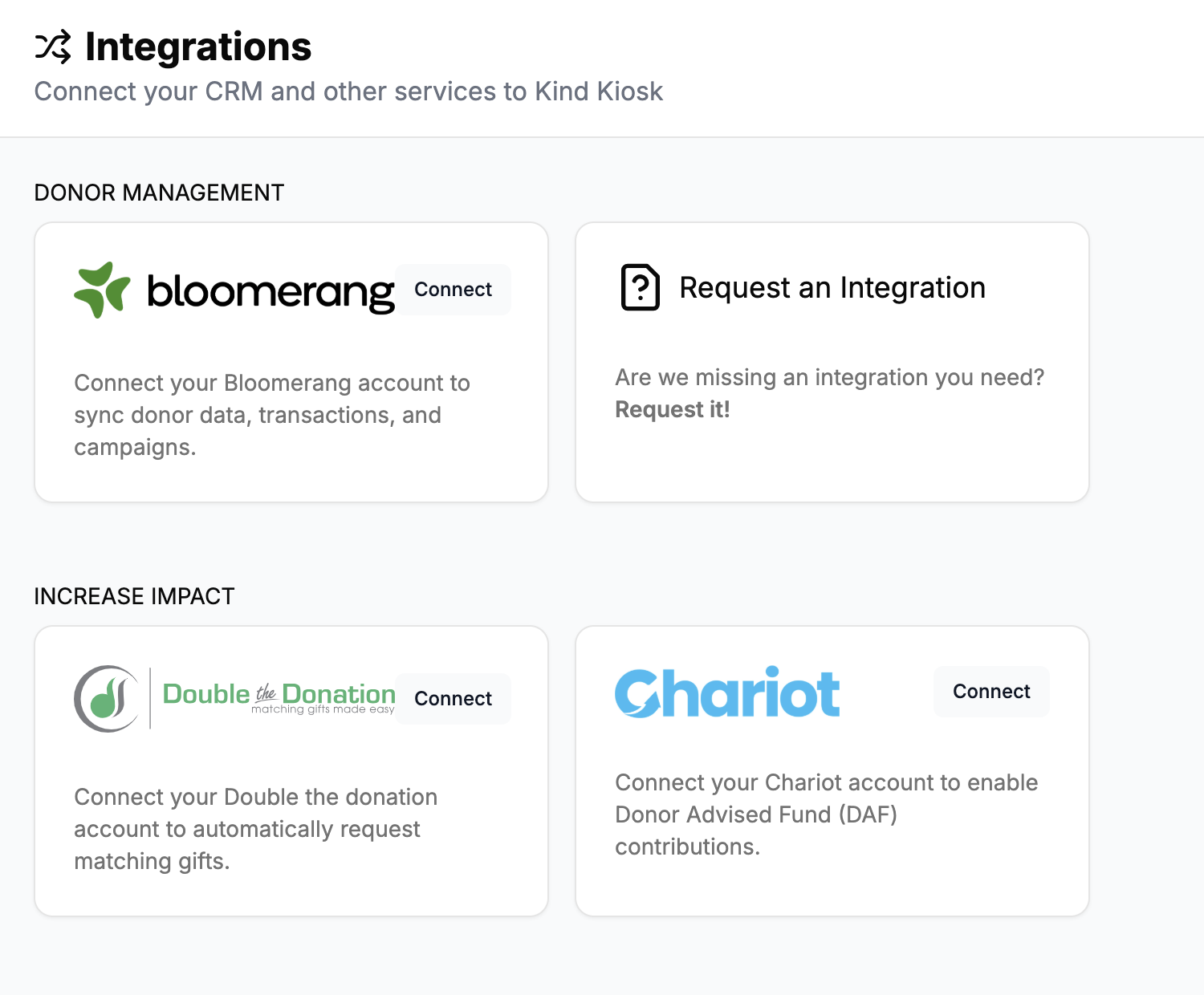
From your Kind Kiosk dashboard, navigate to Settings > Integrations > click "Connect" next to Bloomerang. You'll need your Bloomerang API key, which you can generate from your Bloomerang account settings.
Anonymous Donations
All donations made anonymously on the Kiosk will be synced to Bloomerang using a specific anonymous donor record.
This record's email address will be created with the following info:
First Name: Anonymous
Last Name: Kind Kiosk Donor
Email: anonymousdonor@mailinator.com (This email is recommended by Bloomerang since it will not receive email)
In the Notes field, we add the following text:
Anonymous donor created by Kind Kiosk. All fully anonymous donations will be associated with this constituent.
See below for an example of the Anonymous Donor record in Bloomerang:
