Accessing the Admin Panel
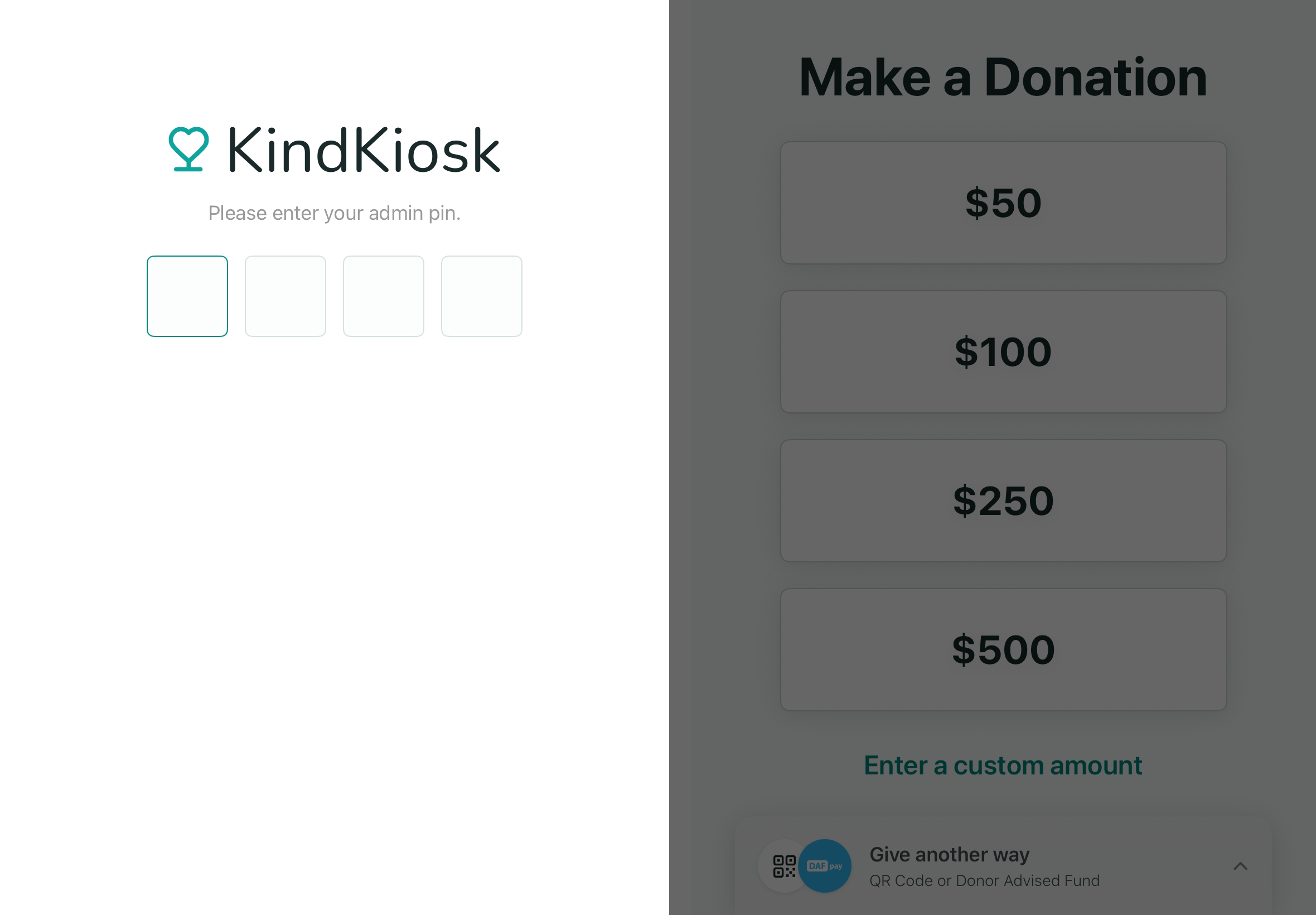
The Admin Kiosk Panel code is found under Settings in your Dashboard.
To access the panel on the Tabletop or Full Size Kiosks, tap 5 times in the bottom left corner of the screen. On the Handheld, swipe from the left side of the screen.
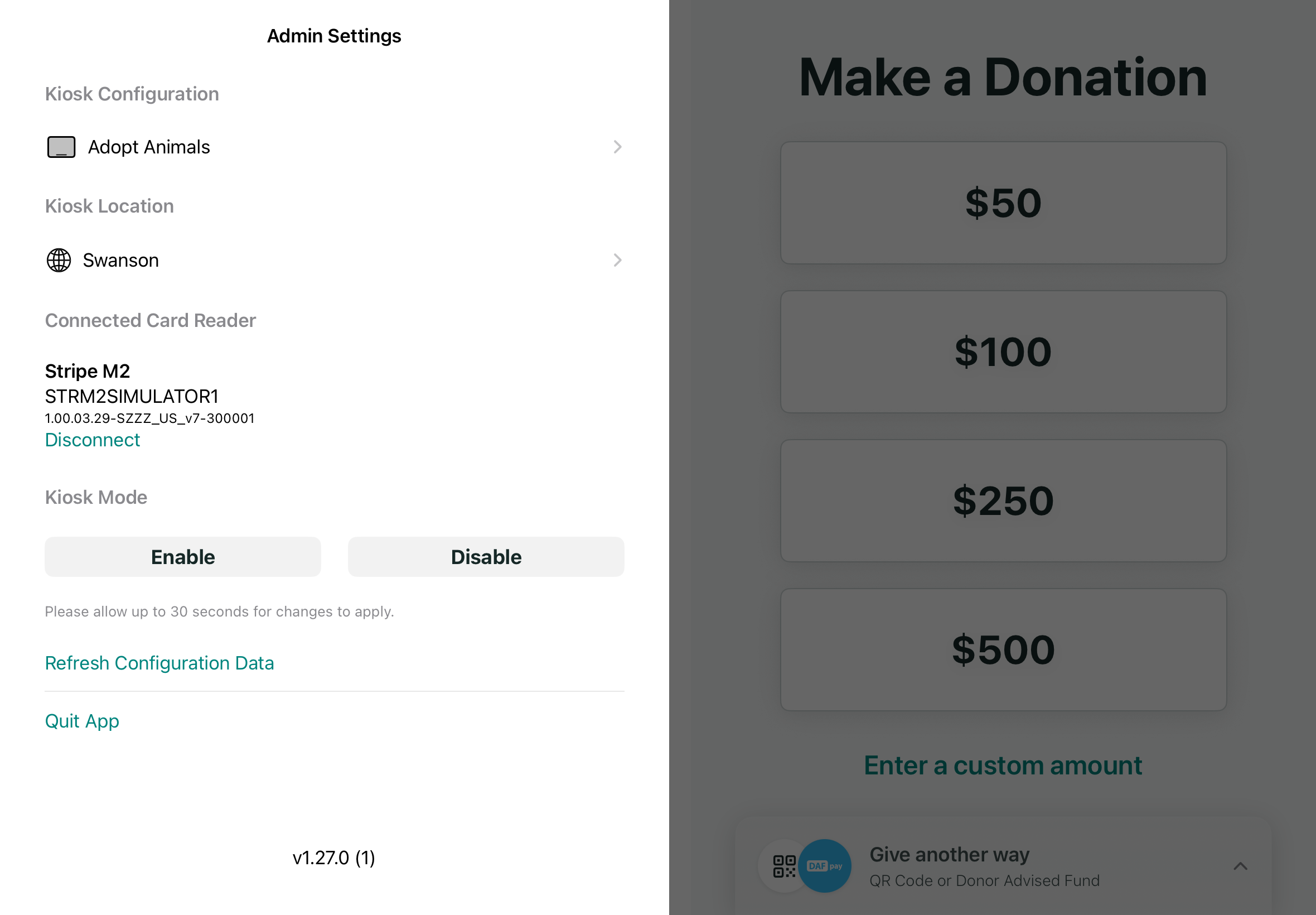
Once the Admin Panel opens, enter the code seen in your Settings. From this panel, you can change the active Configuration, disconnect the Card Reader (recommended only for troubleshooting), enabling or disabling Kiosk Mode, and quit the Kiosk app.
If you need to access the tablet's settings, Disable Kiosk Mode and swipe out of the Kind Kiosk app.
Tabletop or Full Size Kiosk Admin Panel